Almost every nice car in GTA 6 has a tracker, and that's what stops you from simply keeping it. The good news: you can get rid of them. Here's how to remove a tracker in GTA 6, for both standard and advanced trackers.
Quick facts
- Check first: a WAiNK scan shows no tracker, standard (yellow) or advanced (red)
- Standard tracker: removed by registering the car at a Pay 'n' Spray (Chapter 3)
- Advanced tracker: registering is unlocked later through Randy's Wish List progress (the "¡Dale Mamba!" mission)
- No tracker: Moses can register it from Chapter 2
- Cost: depends on the car. The scan shows the price
The three tracker types
- No tracker: the easy ones. Moses registers them from Chapter 2.
- Standard tracker (yellow): doesn't send your location, but Moses won't touch the car.
- Advanced tracker (red): pings the police whenever you slow down. Keep moving above the minimum speed.
How to remove a standard tracker
- Wait for Chapter 3. That's when Pay 'n' Spray starts registering these cars.
- Drive the car to any Pay 'n' Spray.
- Choose Register and pay the fee.
Registering removes the tracker and makes the car yours. How to register a car
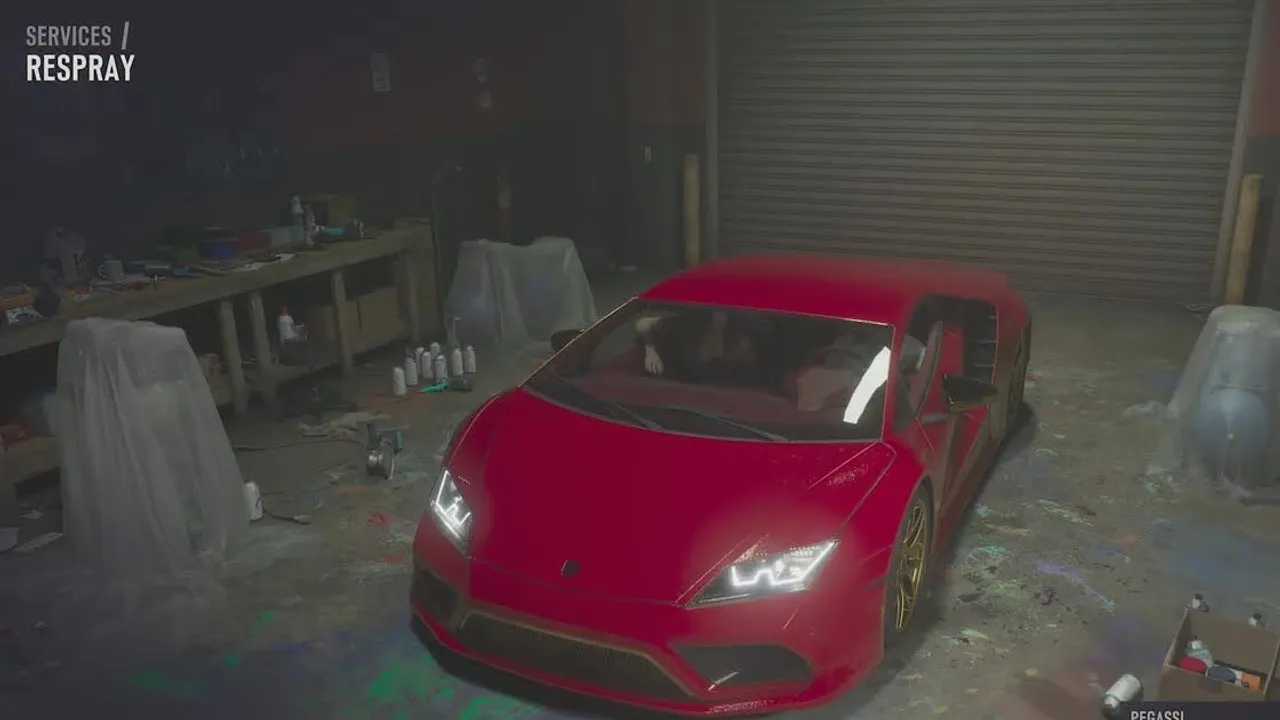
How to remove an advanced tracker
Advanced trackers can't be removed right away. You unlock it by pushing on with Randy's Wish List:
- Unlock Randy's Wish List in Chapter 3 with the Key Cloner. How to get the Key Cloner
- Progress through his list until the "¡Dale Mamba!" mission in Leaf Links (stealing the '64 Mamba GT).
- After that, Pay 'n' Spray will register high-end cars with advanced trackers.
Until then, sell advanced-tracker cars to Randy instead. Where to sell cars
Tips
- Keep moving in advanced-tracker cars, or the cops get your position.
- Registration isn't cheap for supercars, so check the price in the WAiNK scan.
- Need garage space for every registered car. How many cars can you own?
Screenshots in this guide: NickPlaysGames / YouTube