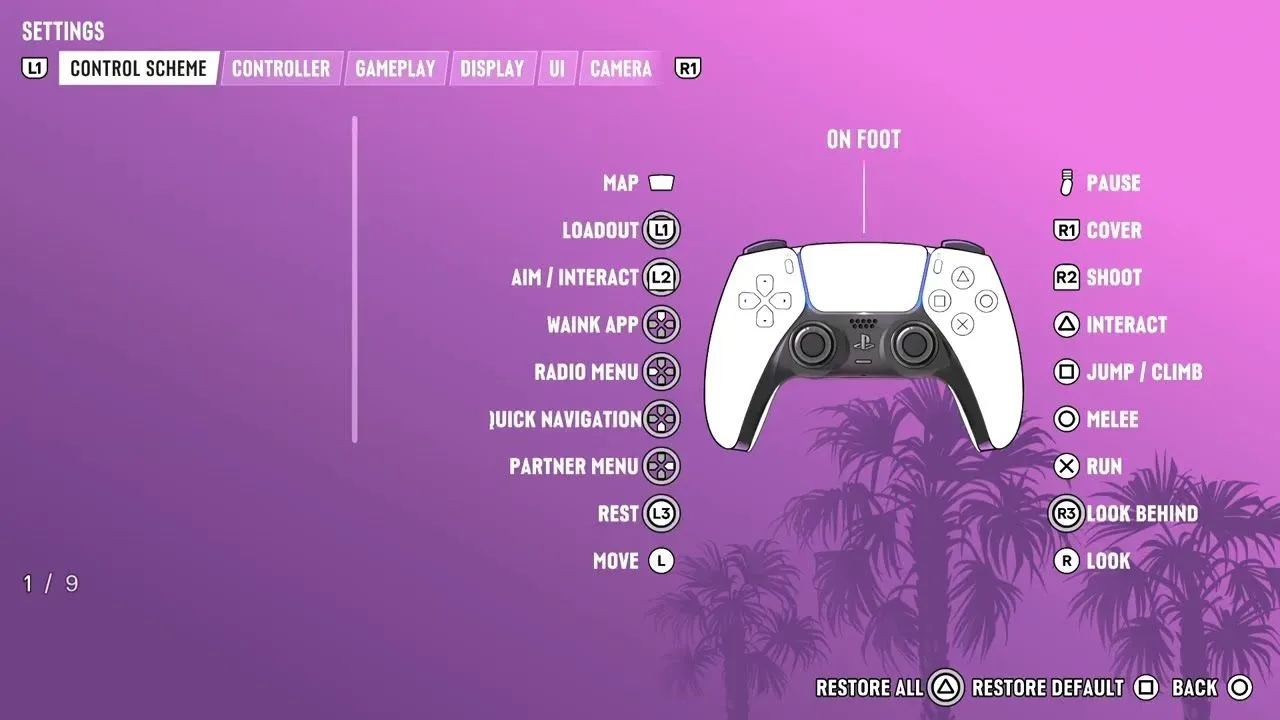
GTA 6 looks stunning in HDR, but the in-game calibration screen is easy to get wrong. Here are the best HDR settings for GTA 6 on PS5 and Xbox, why the default calibration misleads you, and the TV settings that matter.
Quick answer
- Max Brightness: 2,000 on TVs with 1,000+ nits, or 2× your TV's peak on dimmer screens
- Black Levels: 20
- Paper White: 35 in a dark room, a bit higher in a bright room
- Console: HDR on, then run the PS5 Adjust HDR or Xbox HDR Game Calibration first
- TV: Game Mode and HGiG on, motion smoothing off
Where to find the HDR settings
Open Settings > Display. Turn HDR on, then open HDR Calibration. It has three sliders: Max Brightness, Black Levels and Paper White, with sample scenes you can toggle between.
Best HDR settings for GTA 6
| Setting | Recommended | Why |
|---|---|---|
| Max Brightness | 2,000 (1,000+ nit TVs) or 2× your TV's peak | Keeps highlights bright without clipping |
| Black Levels | 20 | Deep blacks without crushing shadow detail |
| Paper White | 35 (dark room), raise for daytime | Sets overall brightness of the image |
These values come from HDR expert testing on a professional mastering monitor, which found the in-game calibration instructions misleading: the three sliders affect each other in unexpected ways, so following the on-screen "just visible" prompts can leave the image washed out or too dark. The HDR itself looks great once it's set right.
Other guides suggest Max Brightness at your TV's peak with Black Levels at 0 and Paper White around 25. Try both and keep what looks best in a night scene in Vice City.
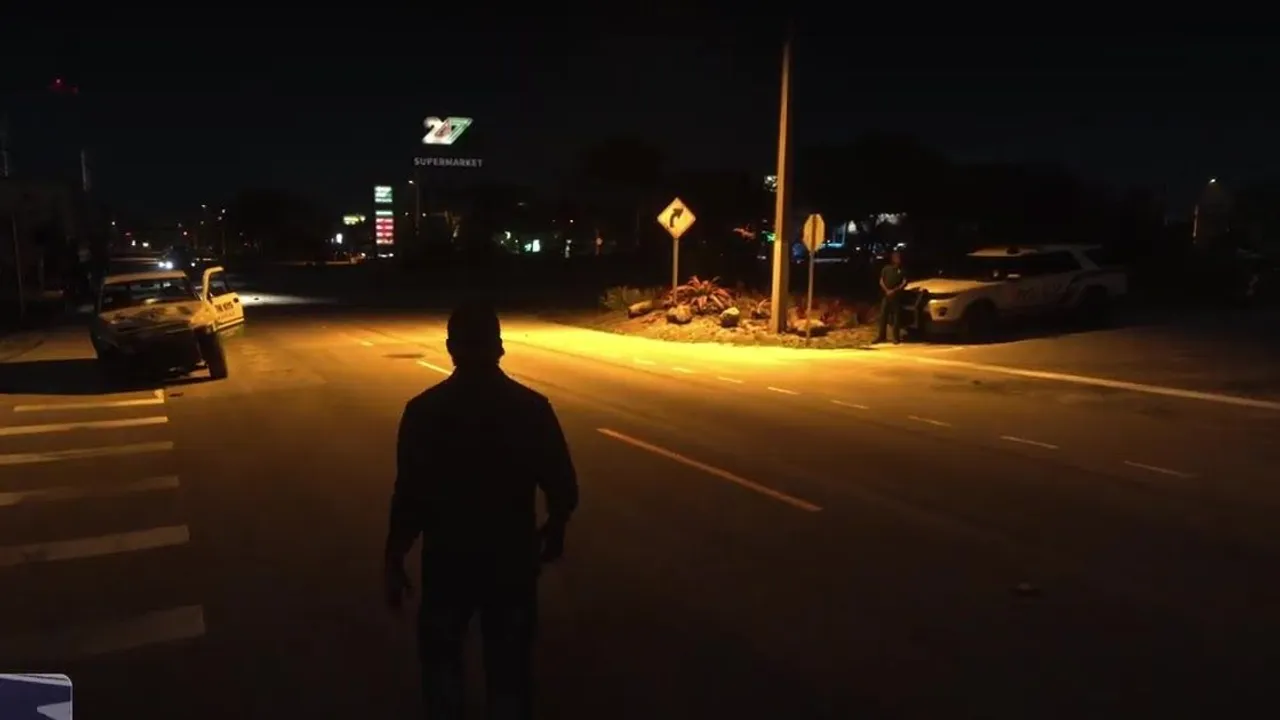
Console HDR setup
- PS5: Settings > Screen and Video > Video Output. Set HDR on, Deep Color Output on, RGB Range Automatic, then run Adjust HDR.
- Xbox Series X|S: turn on HDR10 and run the HDR Game Calibration app.
- PS5 Pro: keep PSSR image quality enhancement on.
Best TV settings for GTA 6
- Game Mode on for the lowest input lag
- HGiG on (LG OLED: HGiG instead of Dynamic Tone Mapping; Samsung: the static/HGiG tone mapping option)
- Motion smoothing and energy saving off
- Color temperature Warm, sharpness neutral
GTA 6 runs at 30 fps on every console, so 120 Hz mode doesn't add anything. More in PS5 vs PS5 Pro.
More settings
Camera, aim and motion blur are in our best GTA 6 settings and best aim settings guides.
Screenshots in this guide: Arslan Plays, VladyCam, DubStepZz, Mike The Goon, vAnother Level, MrChaseMode, Nerpah and CRILLY GAMING / YouTube