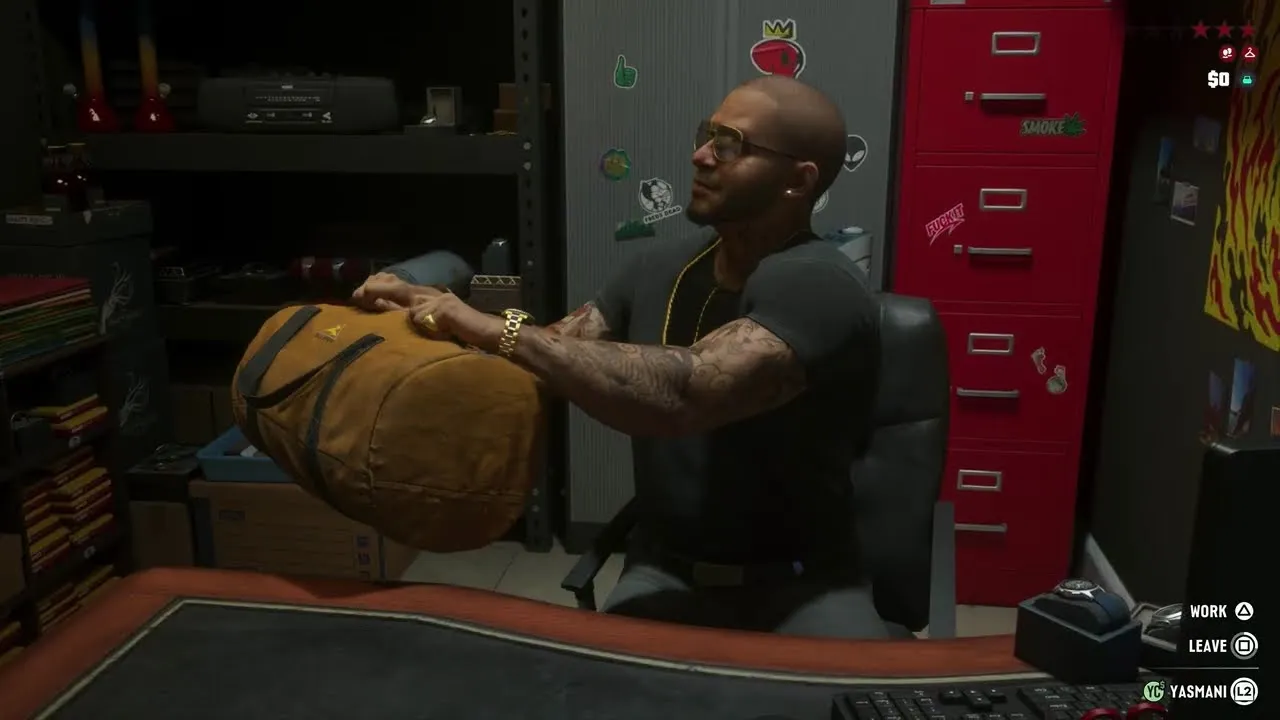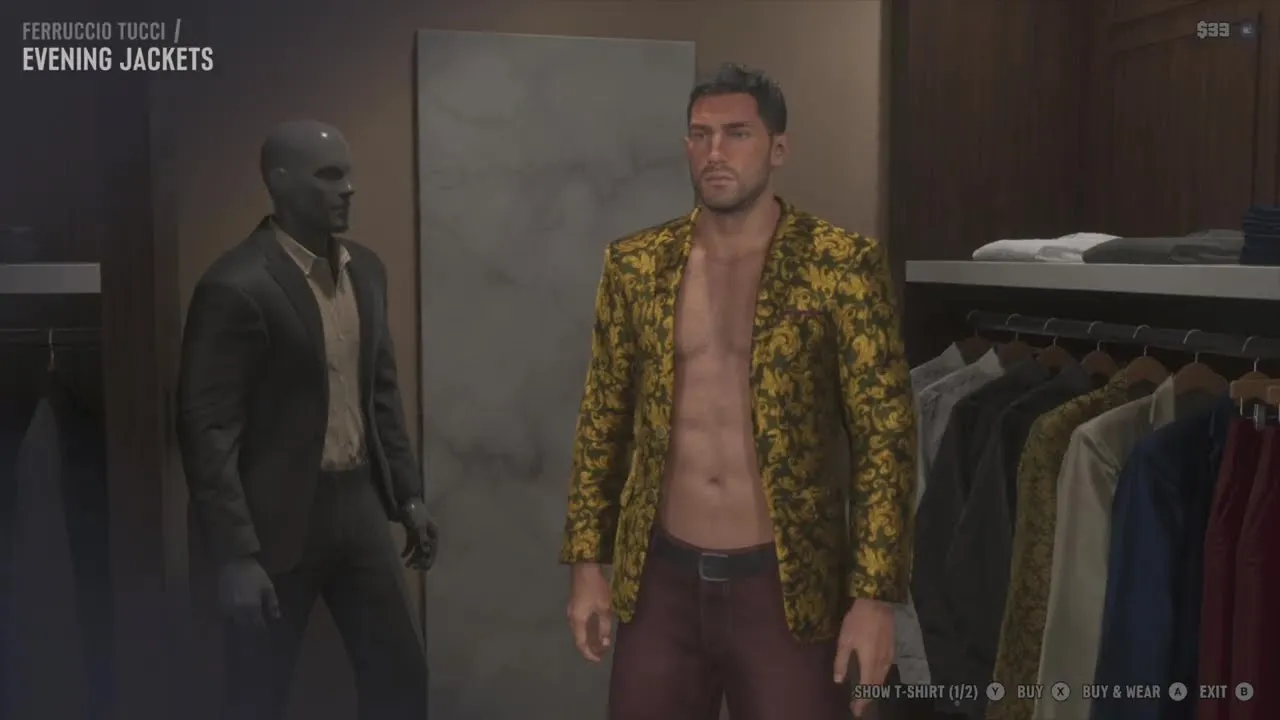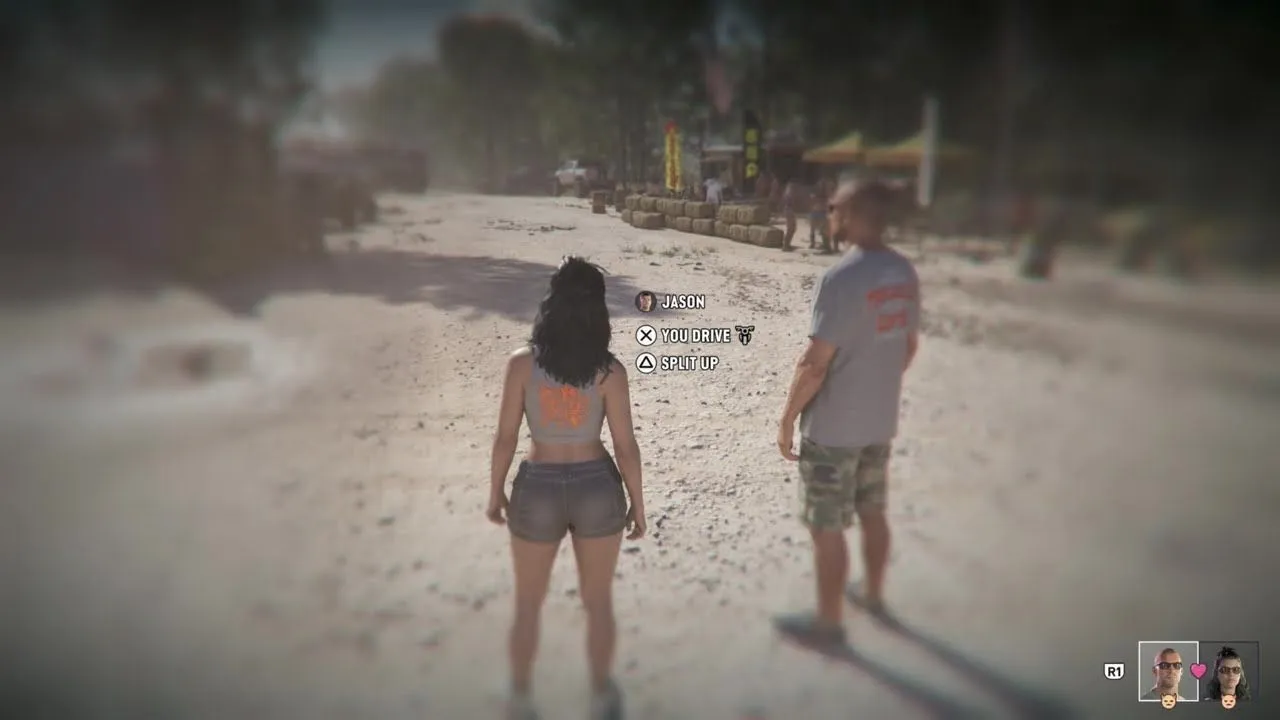
GTA 6 lets you swap between Jason and Lucia, just not right away. Here's how to switch characters in GTA 6, when it unlocks and why the option is sometimes greyed out.
Quick answer
- Controls: hold D-pad Right, then press R1 (PS5) or RB (Xbox)
- Meet up instead: Triangle / Y in the same menu
- Unlocks: in Chapter 2, around Breakfast Run / Coffee Break
- Greyed out? You're in a mission, at home together, or your partner is busy
How to switch between Jason and Lucia
- Hold D-pad Right to open the partner menu.
- Press R1 on PS5 or RB on Xbox Series X|S to switch.
- A short switch scene plays and you take over the other character wherever they are: driving, shopping, sleeping or getting into trouble.
The same menu lets you meet up with your partner (Triangle / Y) or split up when you're together.
When can you switch characters?
Not in Chapter 1. You start as Lucia in the Prologue, then play mostly as Jason while Lucia is in prison and then on parole. Free switching unlocks in Chapter 2 after Jason recovers, around the missions Breakfast Run and Coffee Break. If the option still isn't there, finish Coffee Break. Here's the full Chapter 2 mission list.
Why can't I switch characters?
- You're on a mission. Many missions and cutscenes block switching.
- You're together at home. The other character can be greyed out at a safehouse.
- Your partner left. If the character you left calls a RydeMe and leaves, the menu can be greyed out for a moment.
- Character missions. Map missions marked J or L need that character and have to be started solo.
Tips
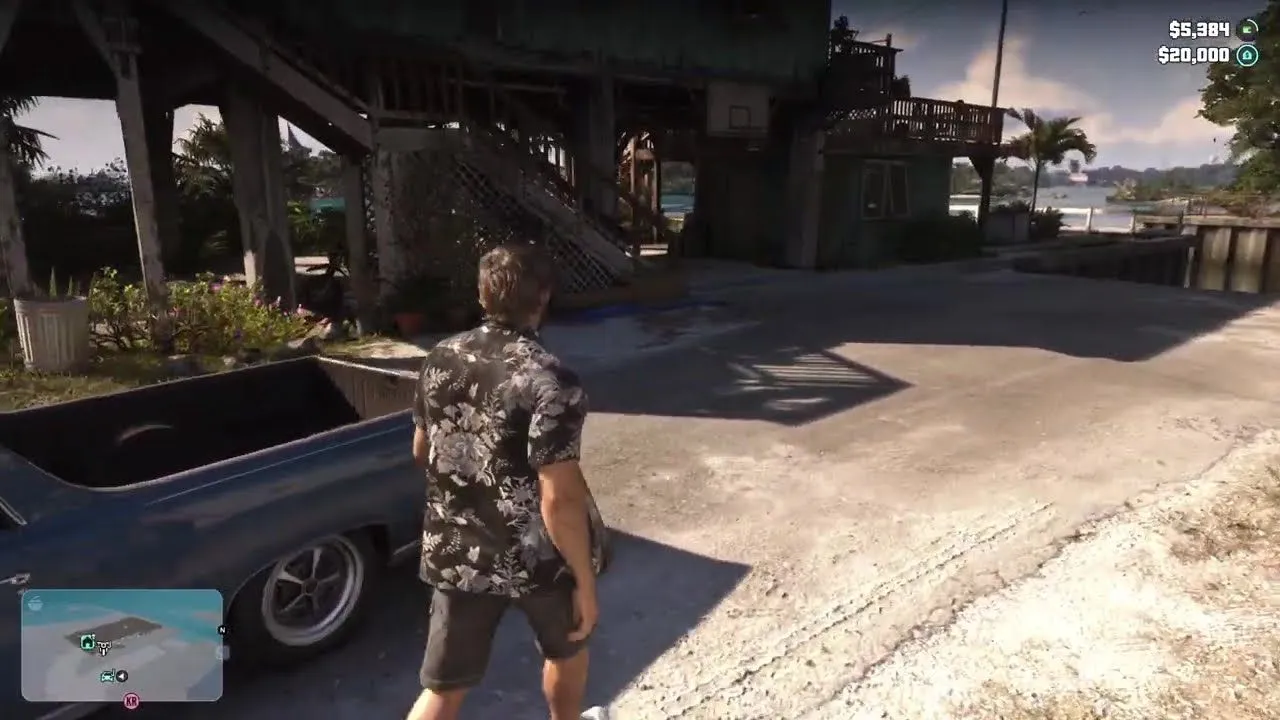
- Each character has their own cash. Up to $20,000 each, so deposit it at an ATM.
- Split up for heists. Two characters means the police chase two targets. More in how to open vaults.
- Some things are per character. The alien dream only happens to whoever was abducted.
All other buttons are in our GTA 6 controls guide.
Screenshots in this guide: Shax Finds and LoDj1c / YouTube