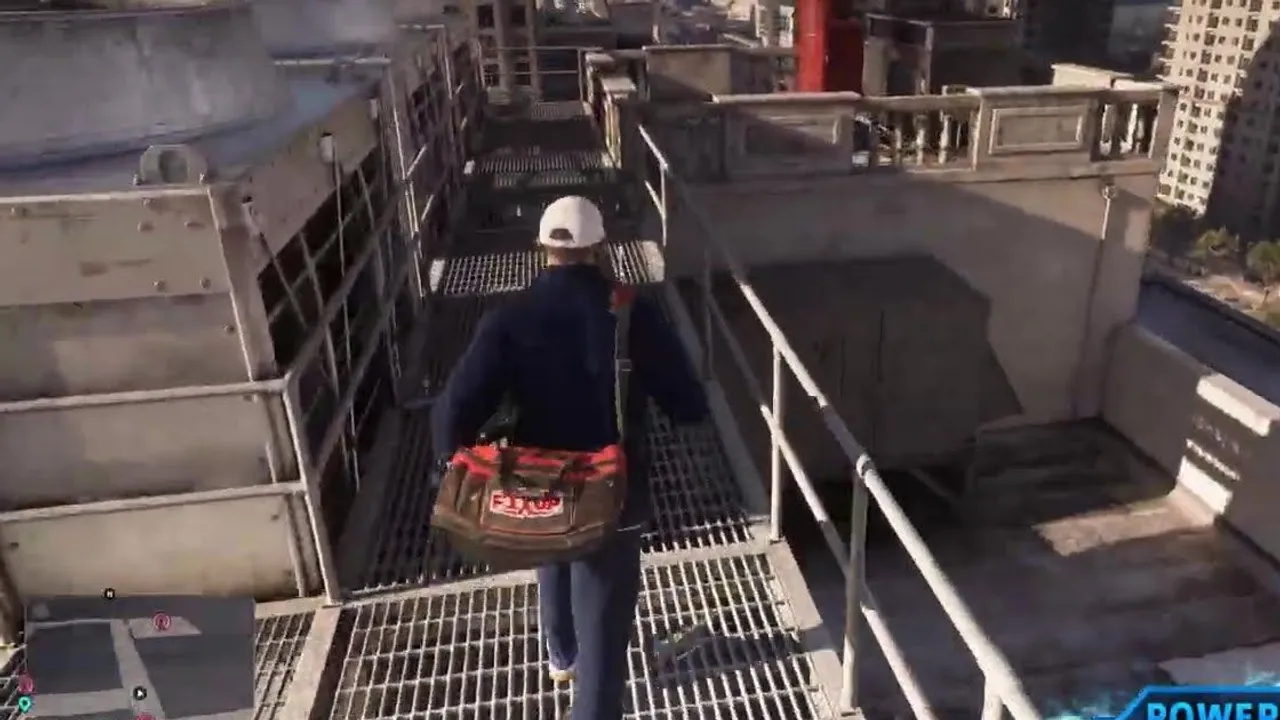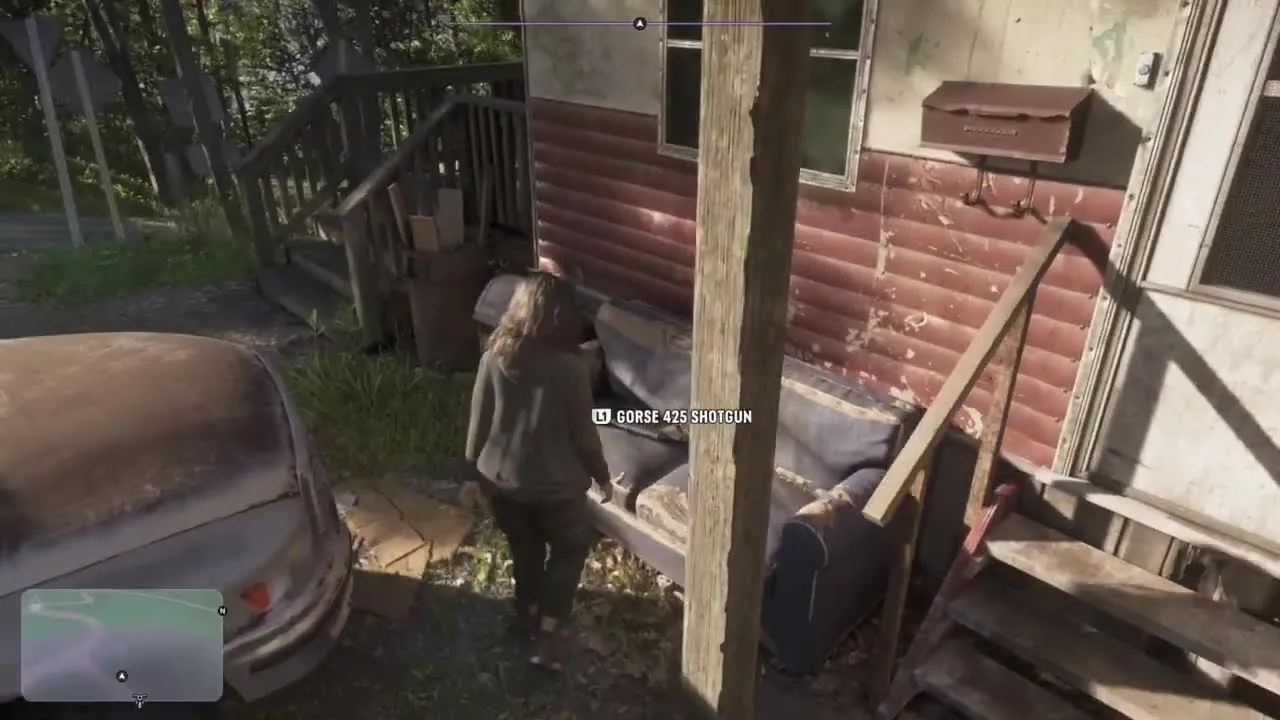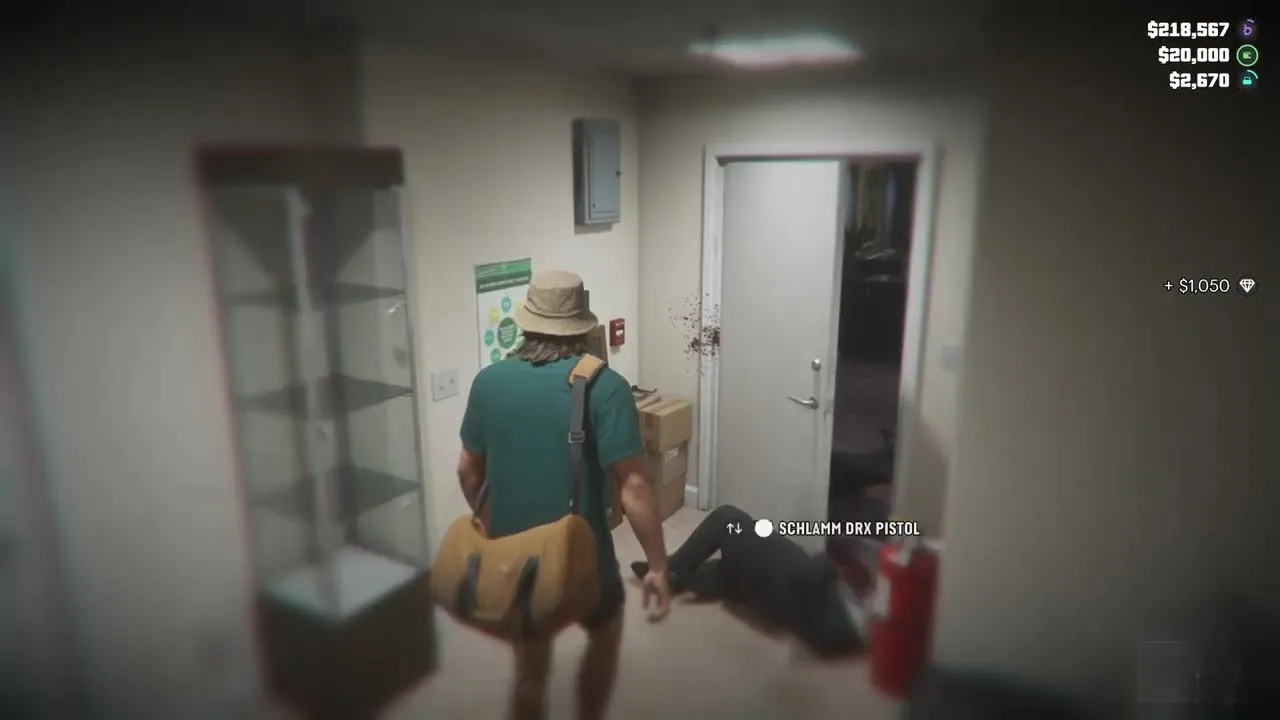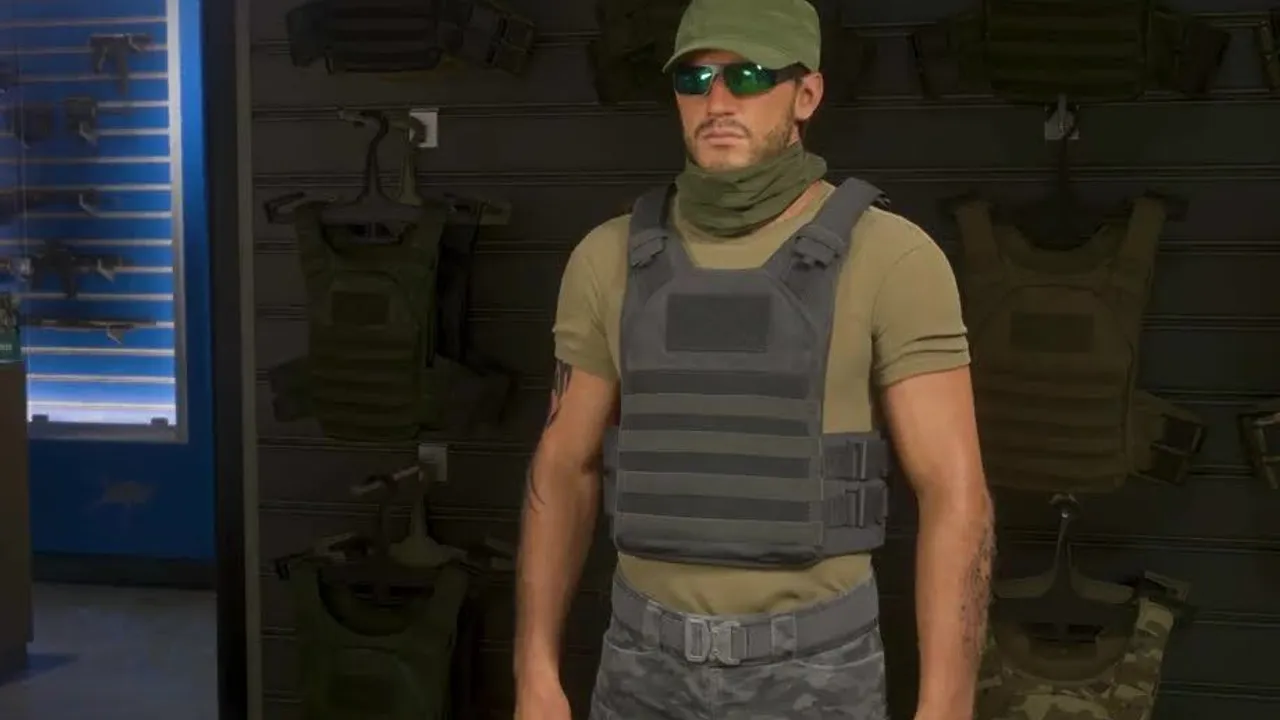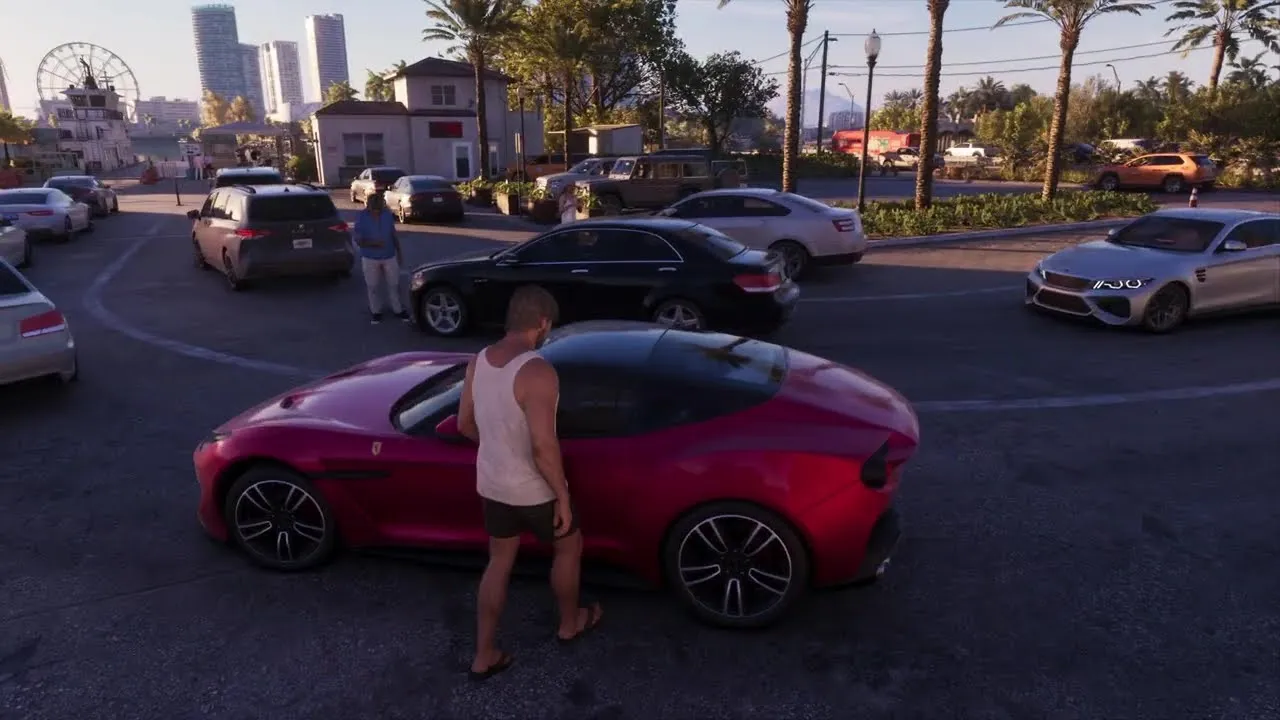
GTA 6 is locked to 30 fps on every console, but Xbox players found a Quick Resume glitch that unlocks the frame rate. Here's how the GTA 6 Xbox Series X glitch works, how much it really helps and the big catch.
Quick facts
- What: a Quick Resume trick that removes the 30 fps cap on Xbox Series X (and Series S)
- Needs: a 120Hz TV or monitor
- Real result: around 36 fps on average, 60+ only in quiet scenes
- The catch: the game world runs too fast. NPCs, cars and animations speed up and audio drifts
- Patched? Not as of the latest update
- PS5: doesn't work
How to do the GTA 6 60 fps glitch
- Set your Xbox video output to 60Hz.
- Launch GTA 6 and wait for the intro.
- Switch your Xbox output to 120Hz.
- Open the Guide and start another game without closing GTA 6.
- Quick Resume back into GTA 6.
Restarting GTA 6 brings back the 30 fps cap.
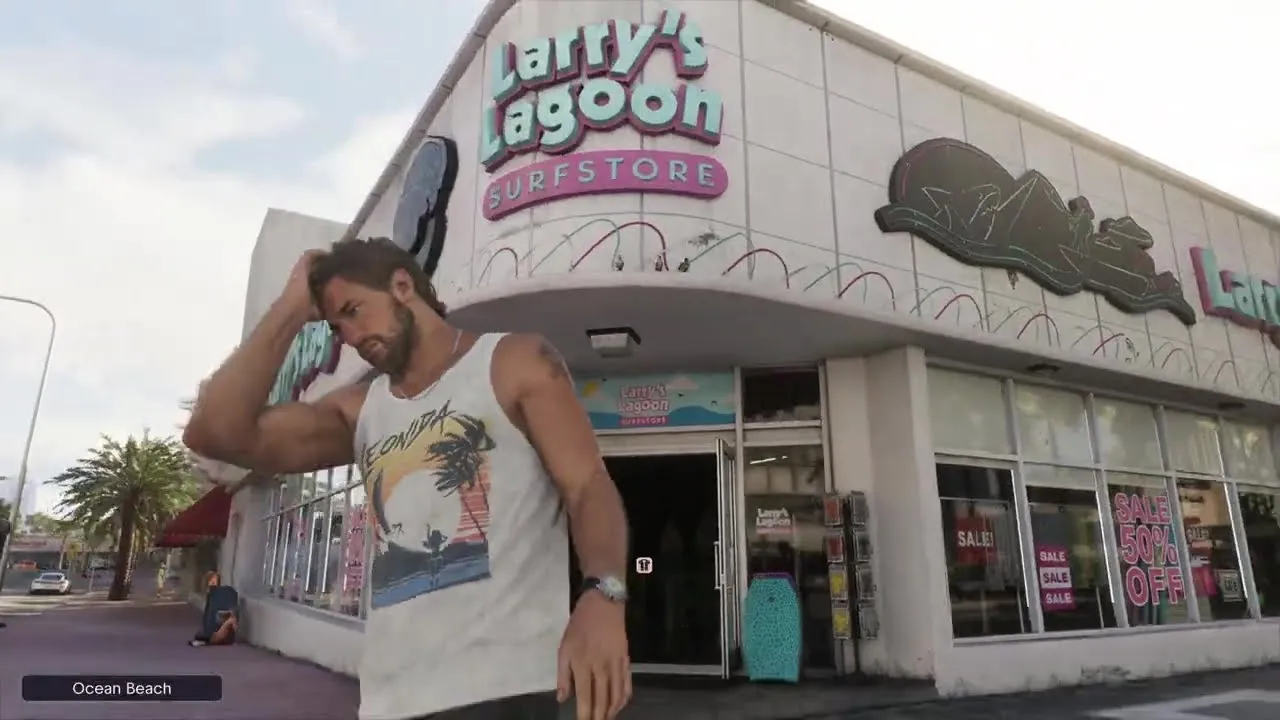
Does it really run at 60 fps?
Mostly no. The first posts claimed 60–90 fps, but proper testing found an average of about 36 fps. Driving on the highway sits around 35–40 fps, and only light scenes go past 60. On Series S it can hit around 50 fps in simple scenes.
The catch: everything speeds up
GTA 6's simulation is tied to its 30 fps loop. Unlock the frame rate and the whole game runs faster: people walk too fast, cars move too quickly, animations rush and the audio falls out of sync. Cutscenes still play at normal speed. It can also crash. It's a fun experiment, but not a better way to play the story.
Will it be patched?
Rockstar hasn't commented, and the latest patch doesn't touch it. Since it relies on Quick Resume, an Xbox system update could kill it too. If you're after smoother play, the Series X with a 120Hz display and VRR already smooths out dips. More in GTA 6 on Xbox and the best GTA 6 settings.
Screenshots in this guide: Skycaptin5 / YouTube