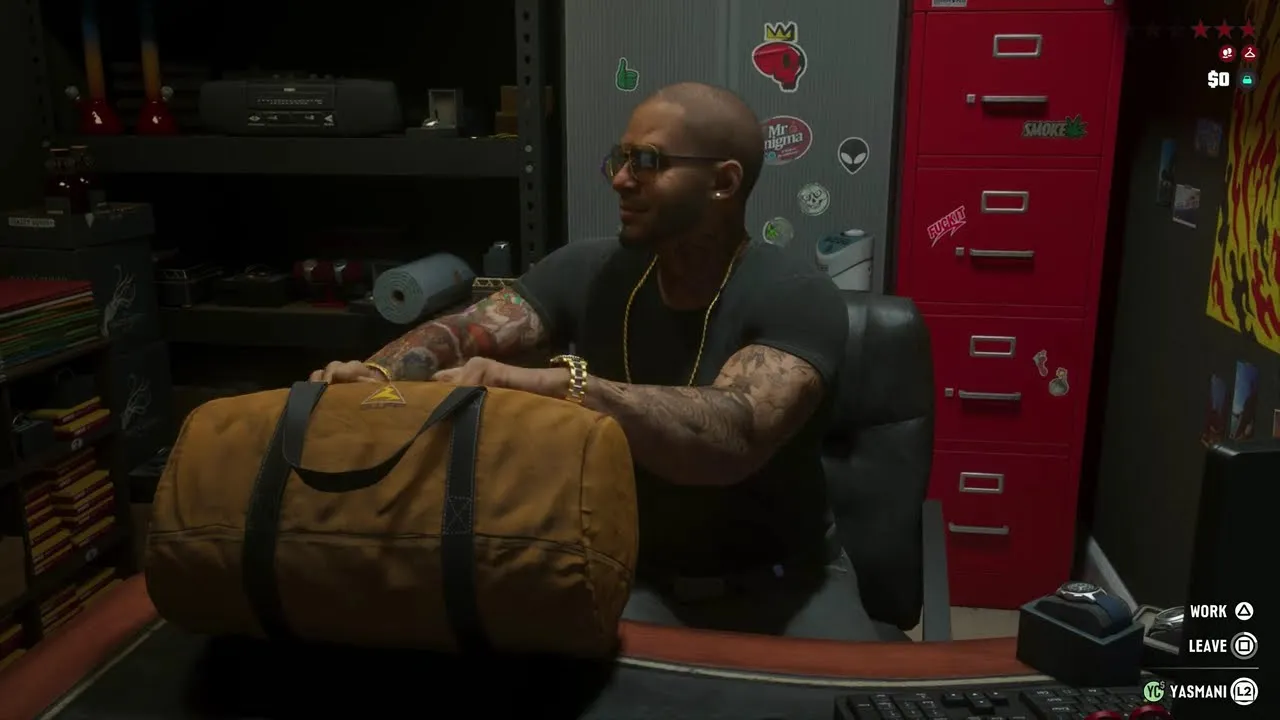
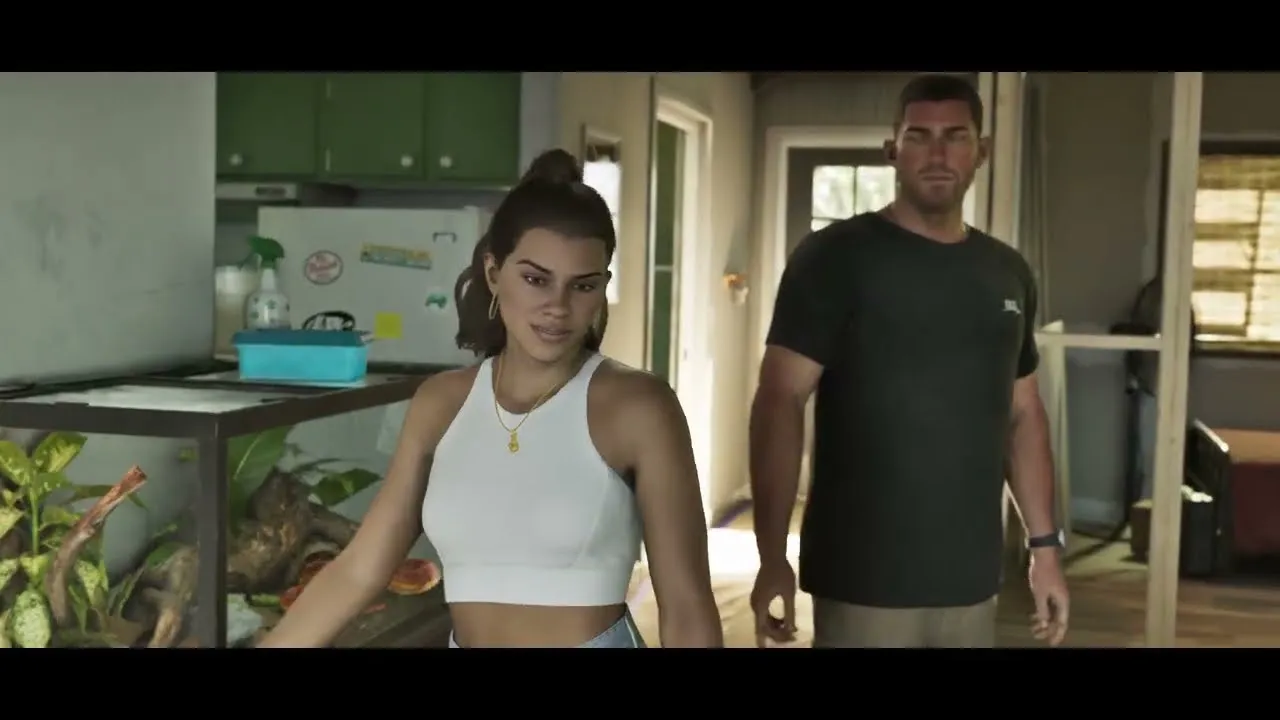
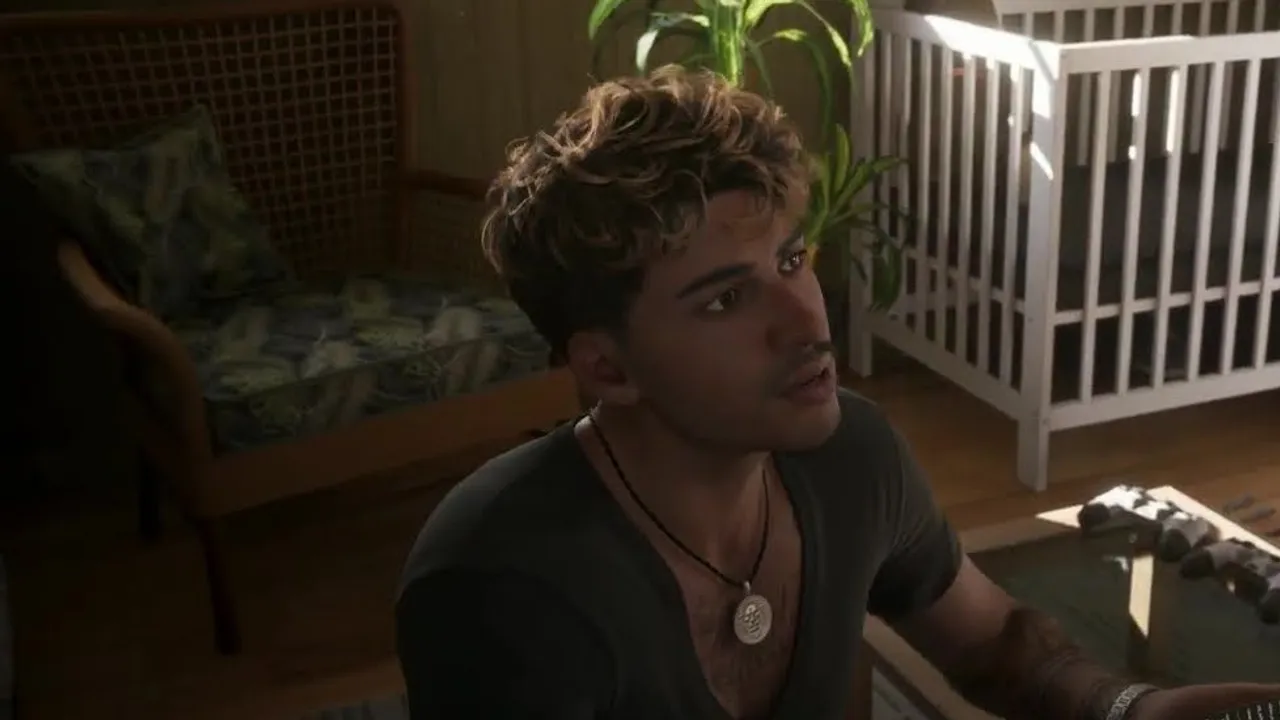
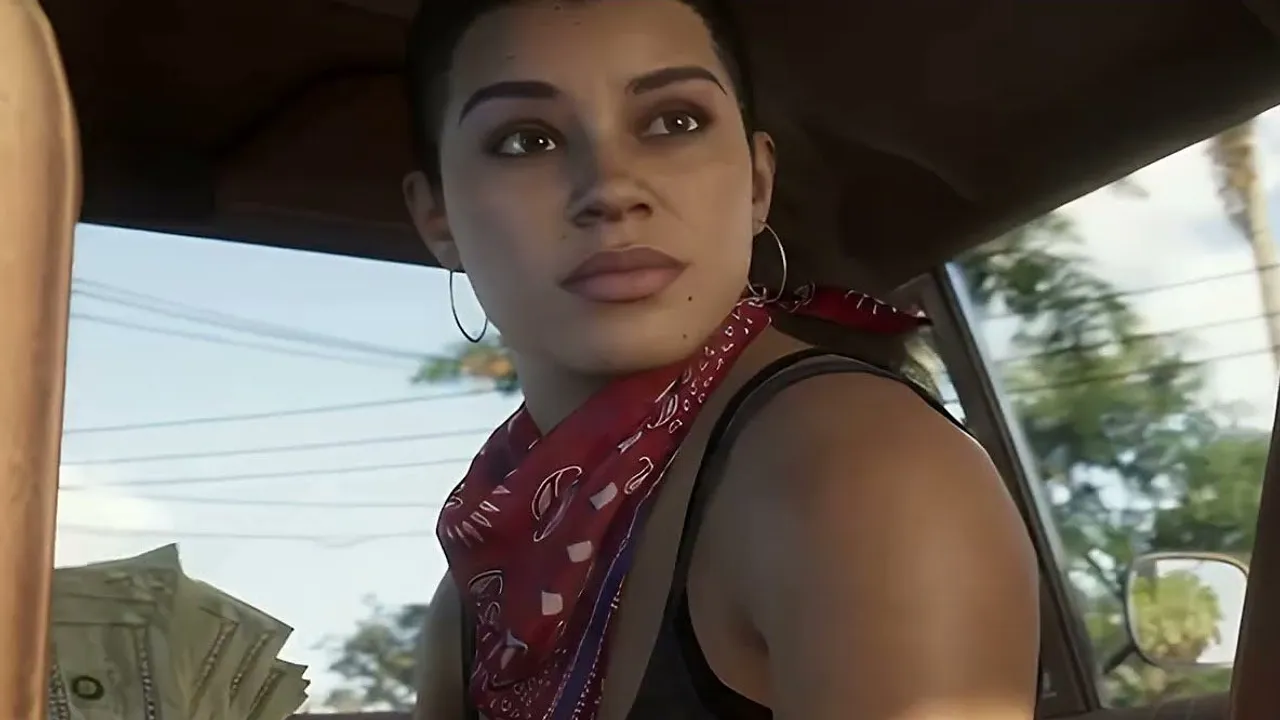
Some Xbox players are getting suspended after GTA 6 clips uploaded themselves to the Xbox network. Here's what's happening with the GTA 6 Xbox auto upload bans and how to turn auto-upload off in under a minute.
Quick facts
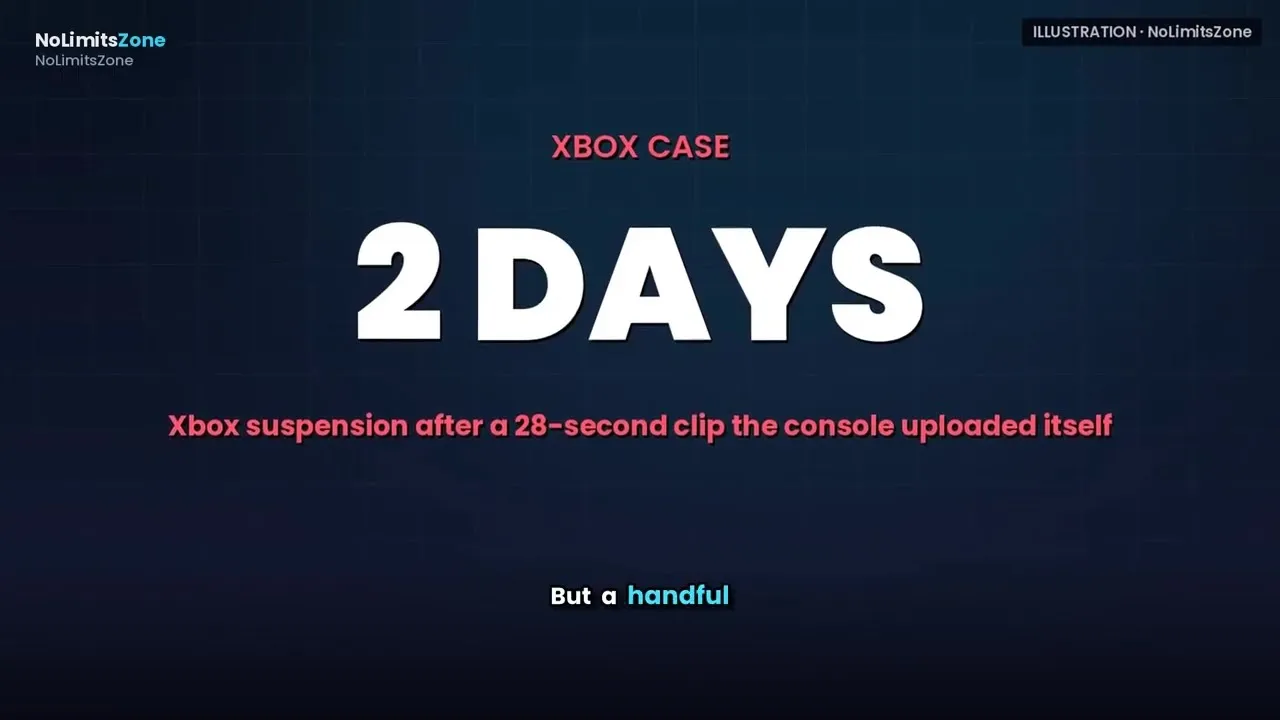
- What happened: a player got a 2-day Xbox suspension after a 28-second GTA 6 beach clip auto-uploaded
- Why: Xbox's automated moderation flags mature content, and GTA 6 has plenty of it
- Is it a ban wave? No confirmed wave, just individual temporary suspensions
- Official statement: none yet from Microsoft or Rockstar
- Fix: set Automatic uploads to Don't upload
What's going on?
A Series X player reported a 48-hour suspension after a short GTA 6 clip of NPCs in swimsuits on a Vice City beach uploaded automatically. The clip was flagged almost straight away, and the enforcement email only pointed to Microsoft's community standards. Other players have reported similar short suspensions.
The issue is auto-upload: Xbox can upload your captures automatically, and its automated moderation doesn't care whether you shared the clip on purpose. GTA 6 has nudity and mature scenes, which is exactly what the system looks for.
How to turn off auto-upload on Xbox
- Press the Xbox button and go to the Captures tab.
- Open Capture settings, then Automatic uploads.
- Set both "To the Xbox network" and "To OneDrive" to Don't upload.
You can also get there through Settings > Preferences > Capture & share > Automatic uploads. Your clips still save on the console, and you can upload the ones you want by hand.
What about PlayStation?
The PlayStation cases are different. There, players were restricted after manually sending nude screenshots through PSN messages, not because of auto-upload. The same rule applies on both: don't share GTA 6's mature scenes through the console's social features.
Can you appeal?
Reports differ: one player said the suspension couldn't be appealed, while Xbox's general support says first offenses can sometimes be reviewed. Since it's only a short suspension, the easiest fix is to turn auto-upload off now.
More GTA 6 on Xbox: is GTA 6 on Xbox? and the Quick Resume 60 fps glitch.
Image in this guide: NoLimitsZone / YouTube